Reversing JD Sports' Mobile App (Part 1)
A walkthrough of the initial research, SSL pinning bypass, and API discovery process behind JD Sports inventory lookups.
December 5, 2023 · Cole Banman
Goal: gain access to JD Sports' inventory system to find out which stores have a profitable shoe in stock.
While reselling sneakers, I kept running into the same problem: JD Sports often had the newest Jordan and Yeezy releases in-store, but there was no reliable way to tell when inventory had landed at a specific location. The objective became simple: observe the system they already used internally and turn that into a usable stock signal.
Research
The first lead was JD Sports' store locator. If a product was in stock online, the web flow could sometimes reveal whether a local store carried it as well.
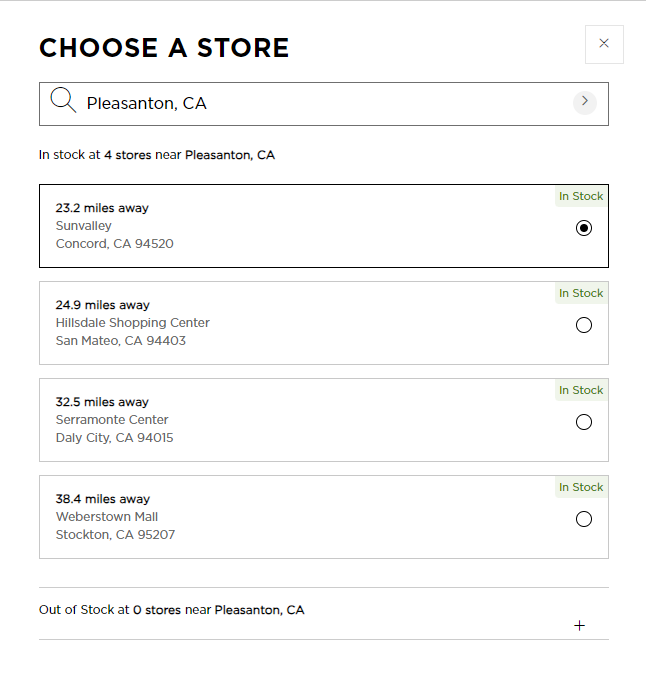
That approach broke down quickly. It only worked for products already available online, which meant the high-value items that mattered most were usually invisible. So the search moved to the mobile app.
I ran the Android app in an emulator and used Proxyman to inspect traffic. In practice, the app blocked that immediately with SSL pinning.
The Main Problem
SSL pinning meant the app refused to trust the proxy certificate, so requests were effectively unreadable even though they were visible on the wire. The fix was to bypass pinning at runtime rather than trying to defeat it from the network edge.
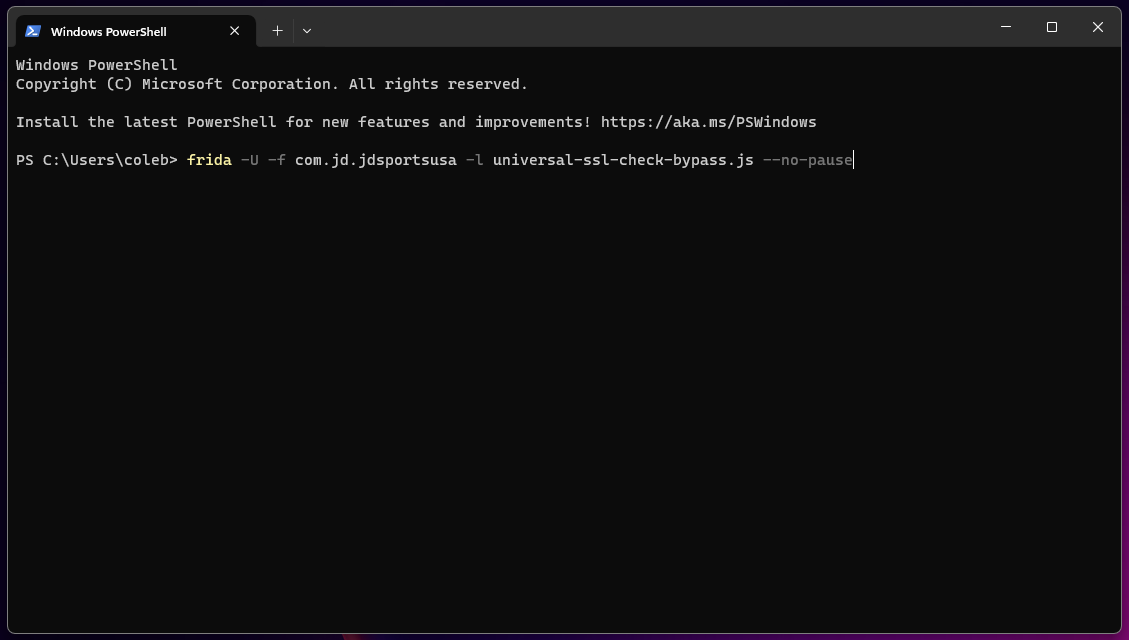
After some research, I landed on Frida. With the right hook in place, the app would accept the proxy and reveal the underlying API traffic.
The Setup
Once the app was running in the emulator, I attached Frida and injected a known bypass script. That was enough to restore visibility into the requests flowing through the app.
Finding the API
After navigating the in-store scanning flow, the app exposed the endpoint that mattered:
POST https://prodmobloy2.jdsports.com/api/StoreMode/GetProductDetail

{"storeNumber":"...","upc":"..."}
That request body was the first usable foothold. It suggested the inventory lookup was driven by a store number and product identifier, which was enough to continue reversing the request format and response shape.
Continue to part 2 for the response analysis and the step where the API became practical to automate.